Web Photo Gallery
Überblick
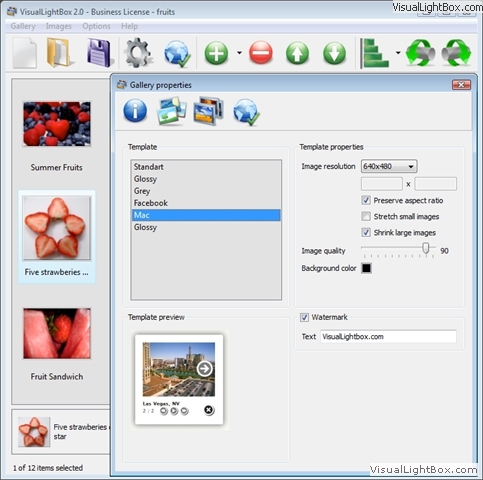
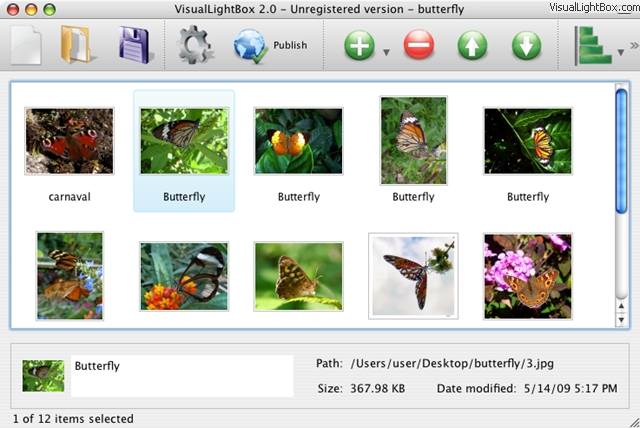
VisualLightBox ist ein kostenloses Hilfsprogramm, mit dem Sie ganz einfach Fotogalerien mit modernem LightBox-Effekt für das Internet erstellen können. Sie brauchen keinerlei Programmierkenntnisse. Mit nur wenigen Mausklicks gestalten Sie effektvolle Bildergalerien. Dazu benötigen Sie keinerlei Kenntnisse über Javascript, CSS, HTML, Programmierung oder Bildbearbeitung. Mit nur wenigen Klicks stellen Sie sich eine beeindruckende Galerie zusammen.
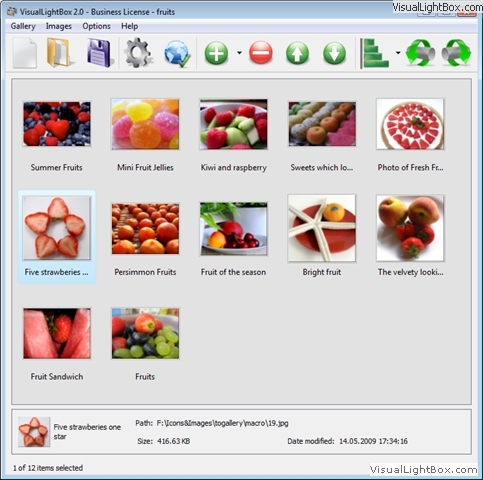
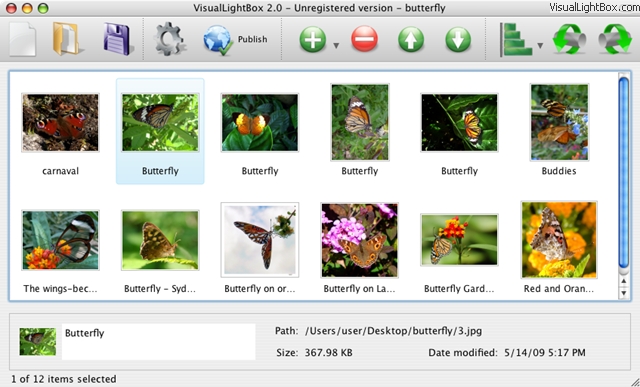
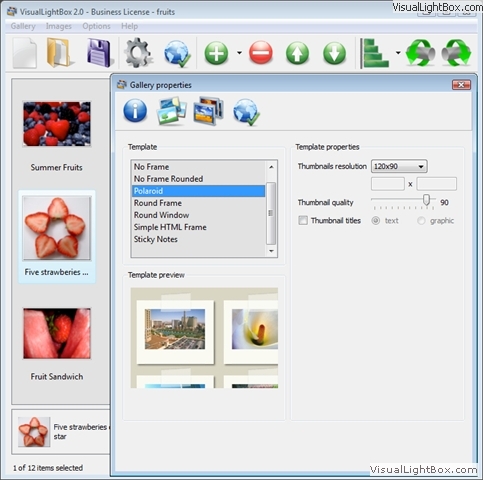
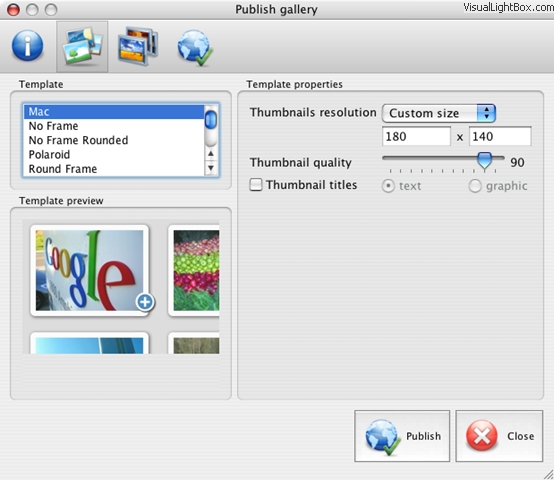
Weitere Funktionen
- jQuery Plugin oder Prototyp- Erweiterung
- Fließende und gleichmäßige Überblendungen
- Bildergalerie mit Autostart-Option
- Versionen für Windows & MAC verfügbar
- XHTML kompatibel
- Zoom-Effekt mit überlagerndem Schatten
- Runde Ecken für Vordergrundobjekt
- Bildgrößen-Anpassung an das Browserfenster
- Verschiedene Designs für die Bildergalerie
- Automatisches Anlegen von Vorschaubildern
- Hinzufügen von Bildbeschreibungen
- Integrierter FTP-client (Galerie per FTP ins Internet laden)
Download von VisualLightBox
 Freeware-Version Freeware-Versionfür Windows OS |  Freeware-Version
für Freeware-Version
für Mac OS |
Für den privaten, nicht-kommerziellen Gebrauch ist VisualLightbox kostenlos.html javascript window popup modal
Für die kommerzielle Verwendung gibt es VisualLightBox zu einem günstigen Preis. Die Business Edition von VisualLightBox bietet zusätzlich die Möglichkeit, den VisualLightBox-Schriftzug in den Bildern zu entfernen und, wenn gewünscht, durch einen eigenen Schriftzug bzw. Link auf die eigene Web-Seite zu ersetzen. Nachdem Sie das sichere Bestellformular ausgefüllt haben, erhalten Sie eine E-Mail mit einem Lizenzschlüssel, der Ihre Freeware-Version zu einer Business-Version macht. Es stehen die gebräuchlichsten Zahlungsarten wie Kredit-Karte, Überweisung, Scheck, PayPal u.a. zur Verfügung.
|
| |||||||||||||||||||||||||||||||
Support
Für die Fehlersuche, bei Anwender-Fragen sowie zu allgemeiner Hilfe wenden Sie sich bitte an unseren Kunden-Service:  Bei Ihrer Anfrage teilen Sie uns bitte unbedingt mit, welches Betriebssystem, welchen Internet-Browser und welche Version von VisualLightBox Sie verwenden. Senden Sie uns gegebenenfalls auch einen Link zu Ihrer im Internet veröffentlichten Bildergalerie oder entsprechenden Script-Code. menu popup delay javascript
Meinung
* First of all, I love you Visual LightBox. I think it's beautiful! I purchased the lightbox "business edition" yesterday, and I’m very happy how easy it is to use. Found this to be one of the fastest ways to get a gallery on the web. Thanks.
* I have installed Visual LightBox to trial. All good, loving it!! I want to get an business version of your great programm. I love it - soo easy to use!!
* I just tried the application, It is wonderful idea. Like you said in the website "few clicks without writing a single line of code" because most of the people is not web designers".html popup modal innerhtml
* Just a quick thank you for the software though, It's not often you get a free software version of this quality and style! Well done and please continue this amazing gallery. Hope to see more advances.
Fragen
Q:How do I embed the lightbox image gallery into an existing page?
A:To install jQuery Thickbox Alternative gallery on your page you should: <head> <body>
1. Create your gallery in jQuery Thickbox Alternative and publish it on a local drive in any test folder.
2. Open index.html file from the saved folder in any text editor.
3. Copy code for the HEAD section and paste it inside the HEAD section of you own webpage, for example:
...
<!-- Start jQuery Thickbox Alternative.com HEAD section -->
<link rel="stylesheet" href="engine/css/vlightbox.css" type="text/css" />
<style>#vlightbox a#vlb{display:none}</style>
<link rel="stylesheet" href="engine/css/jQuery Thickbox Alternative.css" type="text/css" media="screen" />
<script src="engine/js/jquery.js" type="text/javascript"></script>
<script src="engine/js/jquery.tools.min.js" type="text/javascript"></script>
<script src="engine/js/visuallightbox.js" type="text/javascript"></script>
<!-- End jQuery Thickbox Alternative.com HEAD section -->
...
</head>
...
<!-- Start jQuery Thickbox Alternative.com BODY section -->
<div id="vlightbox">
<a rel="lightbox_vlb" href="data/images/dscn6831.jpg" title="DSCN6831"><img src="data/thumbnails/dscn6831.png"><span></span></a>
<a rel="lightbox_vlb" href="data/images/dscn6823.jpg" title="DSCN6823"><img src="data/thumbnails/dscn6823.png"><span></span></a>
<a rel="lightbox_vlb" href="data/images/dscn6819.jpg" title="DSCN6819"><img src="data/thumbnails/dscn6819.png"><span></span></a>
<a id="vlb" href="http://jQuery Thickbox Alternative.com">Photo Gallery For Web by jQuery Thickbox Alternative.com v2.1</a>
</div>
<!-- End jQuery Thickbox Alternative.com BODY section -->
...
</body>
You can find the example on our website:
http://www.jQuery Thickbox Alternative.com/#example
DEMOS
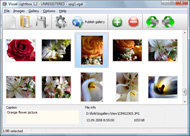
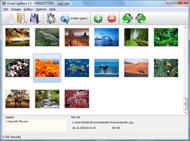
Screenshot
Auszeichnungen



 C Web Photo GalleryBlogs
  Tweet Tweet!